
At a glance
Create an AI agent capable of interacting with your ontology and knowledge base.
Before you start
- You have access to an Ontologie workspace.
- At least one entity exists in your ontology (recommended).
- You have identified the agent's primary use case (for example: answering questions about suppliers, analyzing product data, etc.).
Steps
1. Open the agent gallery
Open Agent Studio from the sidebar. The gallery displays your existing agents with their status and last modification date.
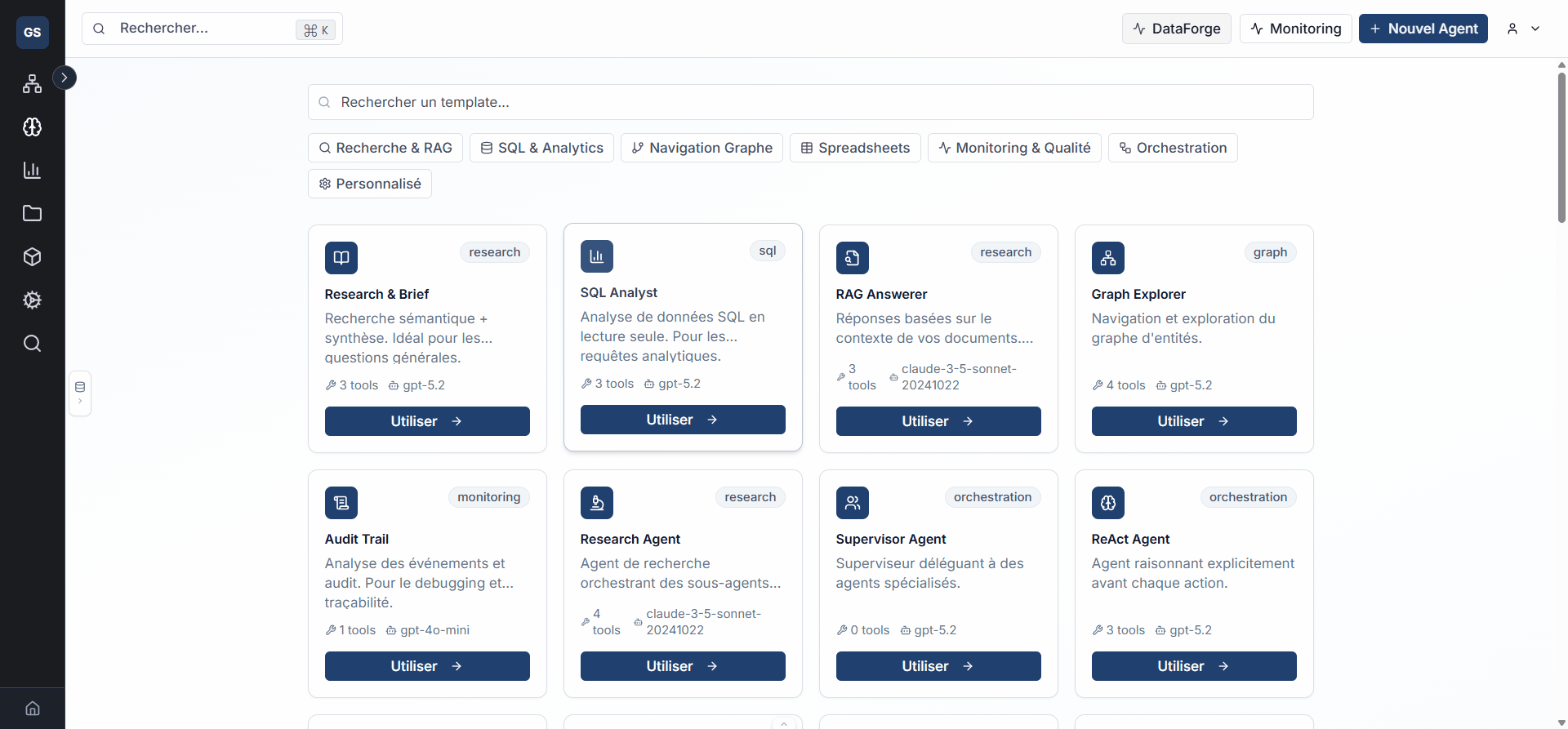
2. Search or filter
Use the filters to find an existing agent by name, status, or category.
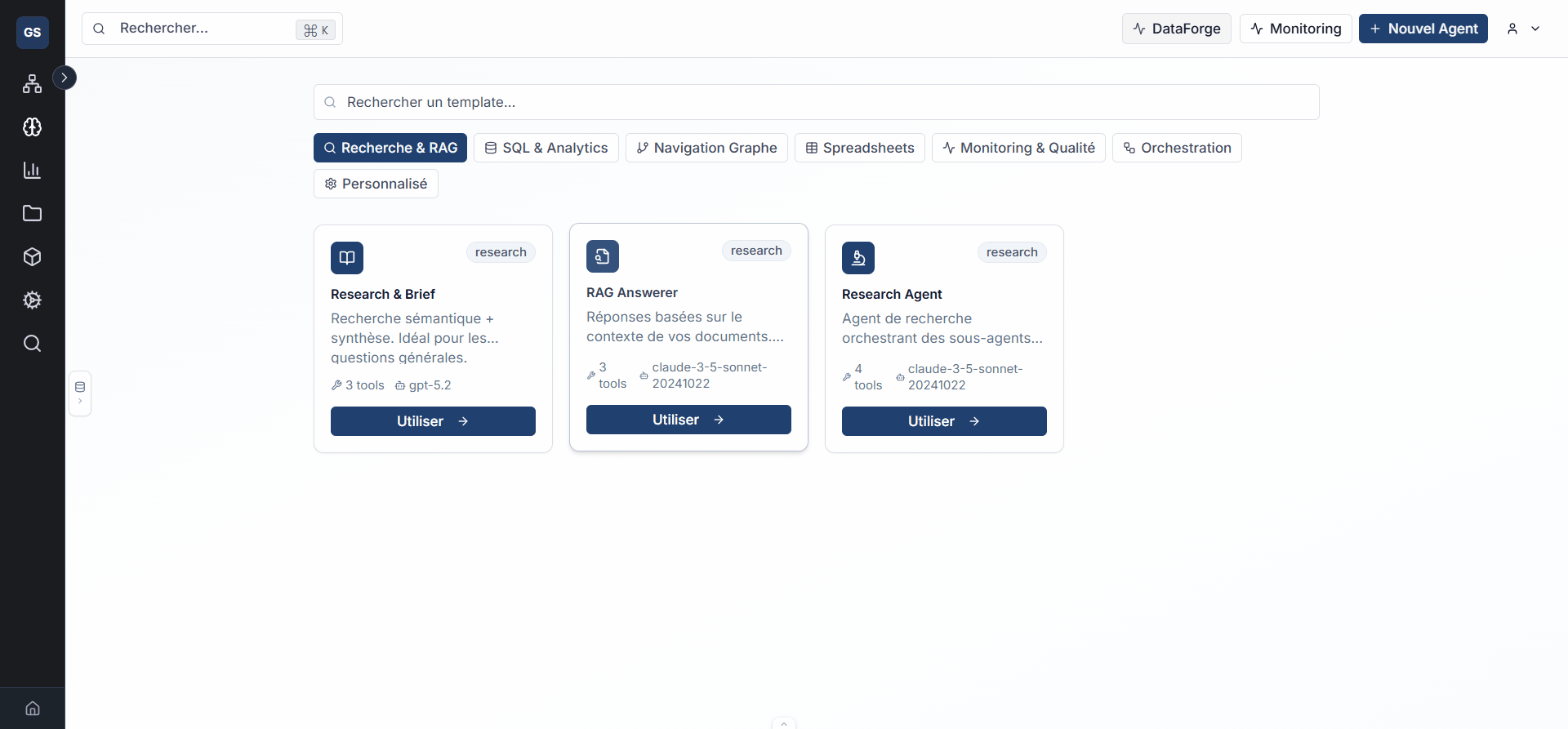
3. Start creation
Click Create an agent to launch the creation wizard.
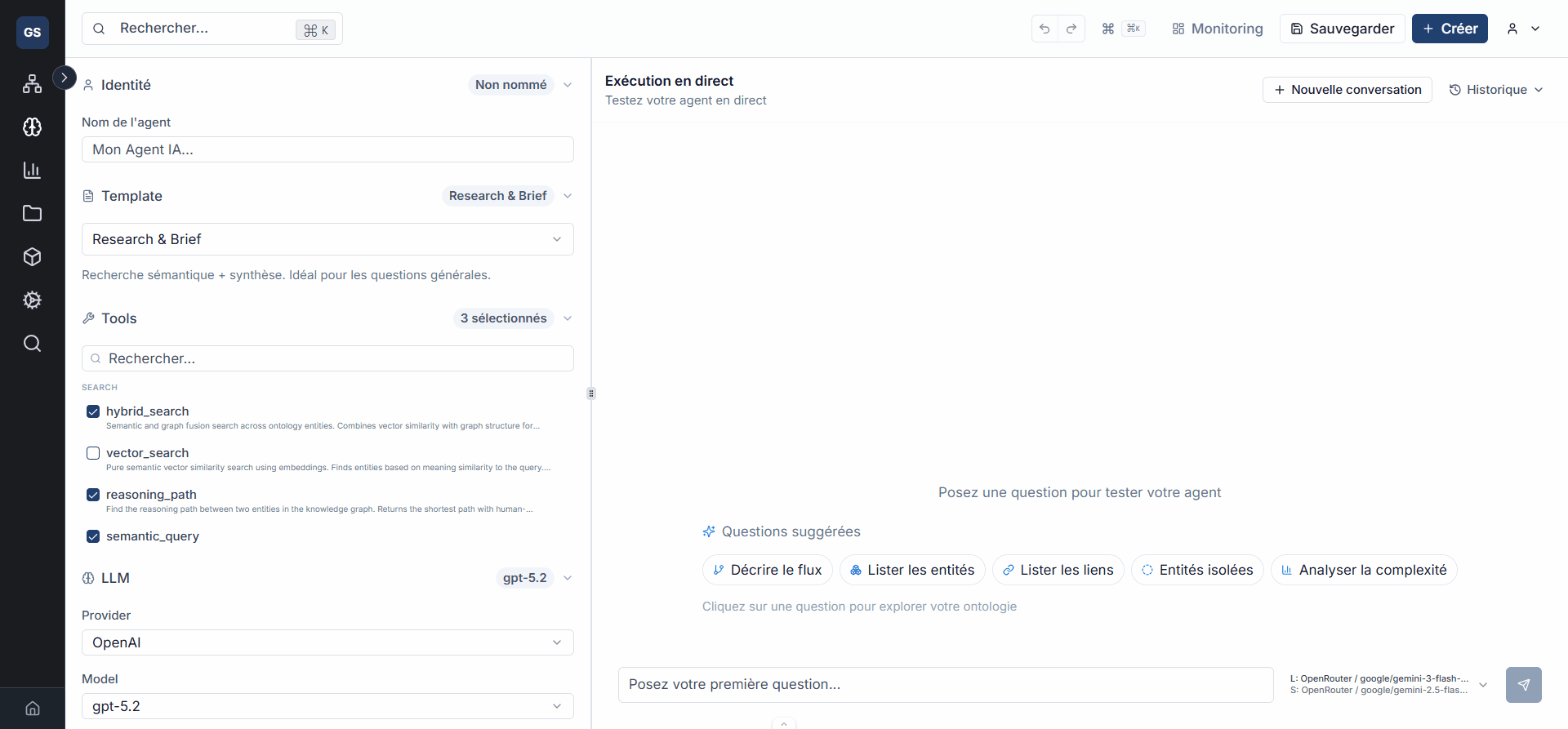
4. Choose a starting point
Select a pre-configured template suited to your use case (analysis, search, entity creation, etc.) or start from a blank agent.
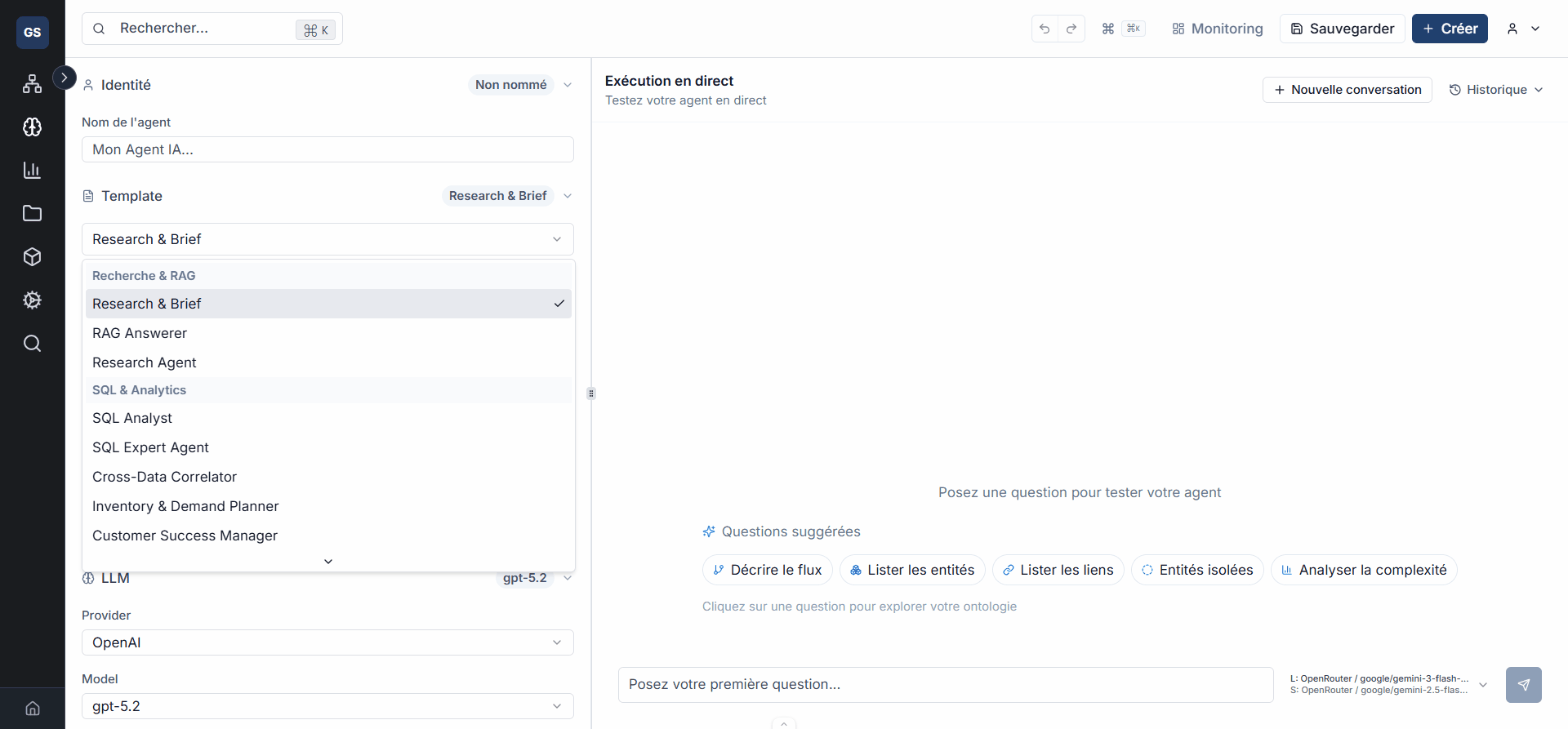
Templates include tool and context configurations tailored to common scenarios. A blank agent lets you configure everything manually.
5. Name and describe the agent
Give your agent a clear name (for example "Supply Chain Assistant") and a description of its role. The name will appear in the gallery and serve as a reference in other modules.
6. Confirm creation
Confirm to access the configuration editor, where your agent is ready to be customized.
Expected outcome
Next steps
- Configure tools: enable your agent's capabilities.
- Test and evaluate: validate behavior before making it available.
Need help?
Write to us: Support and contact.