
Objective
Describe the data expected for an entity with typed properties and understandable constraints.
Prerequisites
- An entity exists in the Modeler.
- You can edit the model.
Procedure
- Select the entity.
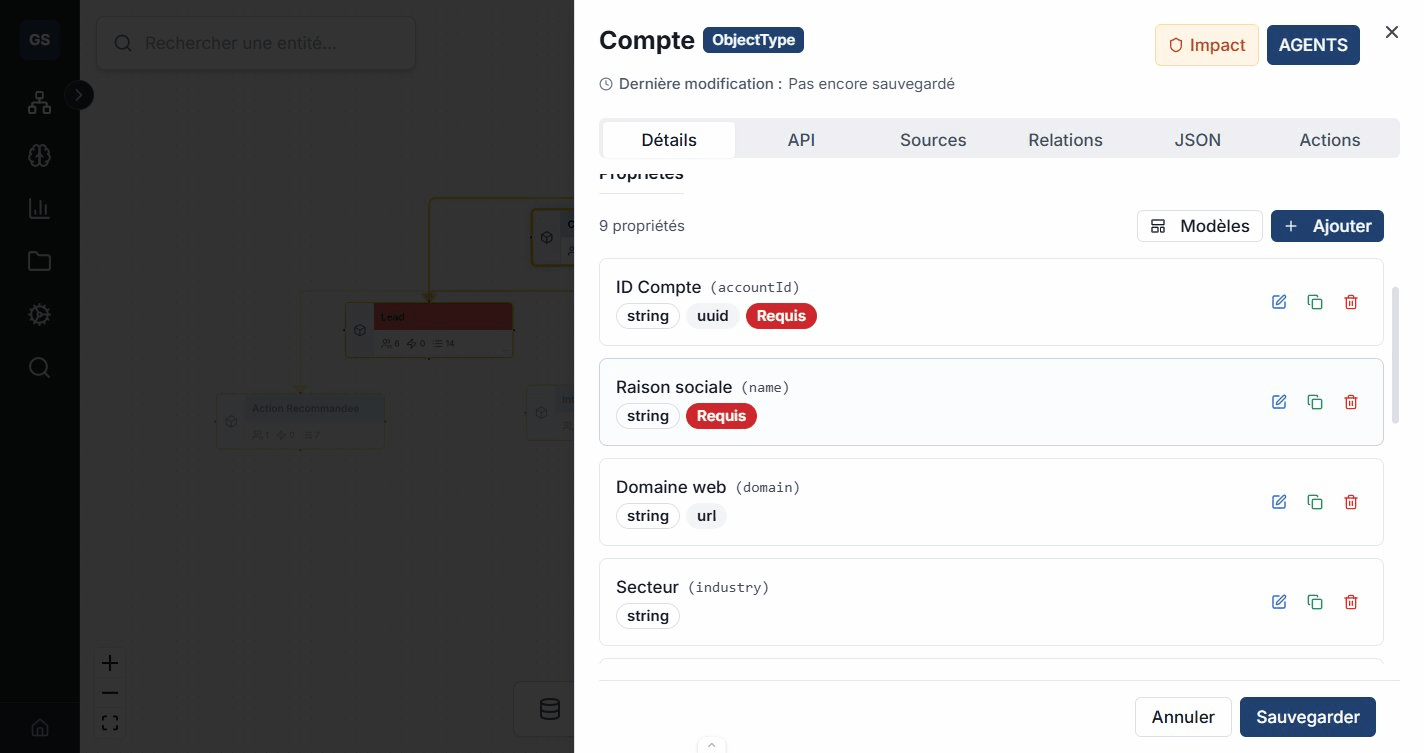
- Open the Details tab.
- Add a property in the properties section.
- Enter a stable name, choose the type, and configure the required constraints.
- Save, then repeat for each business value.
| Type | Common use | Example |
|---|---|---|
| Text | Label or description | name |
| Number | Quantity or amount | unit_price |
| Boolean | True or false state | is_active |
| Date | Date or time | delivery_date |
| List | Collection of values | tags |
| Object | Nested structure | address |
| Reference | Related identifier | supplier_id |
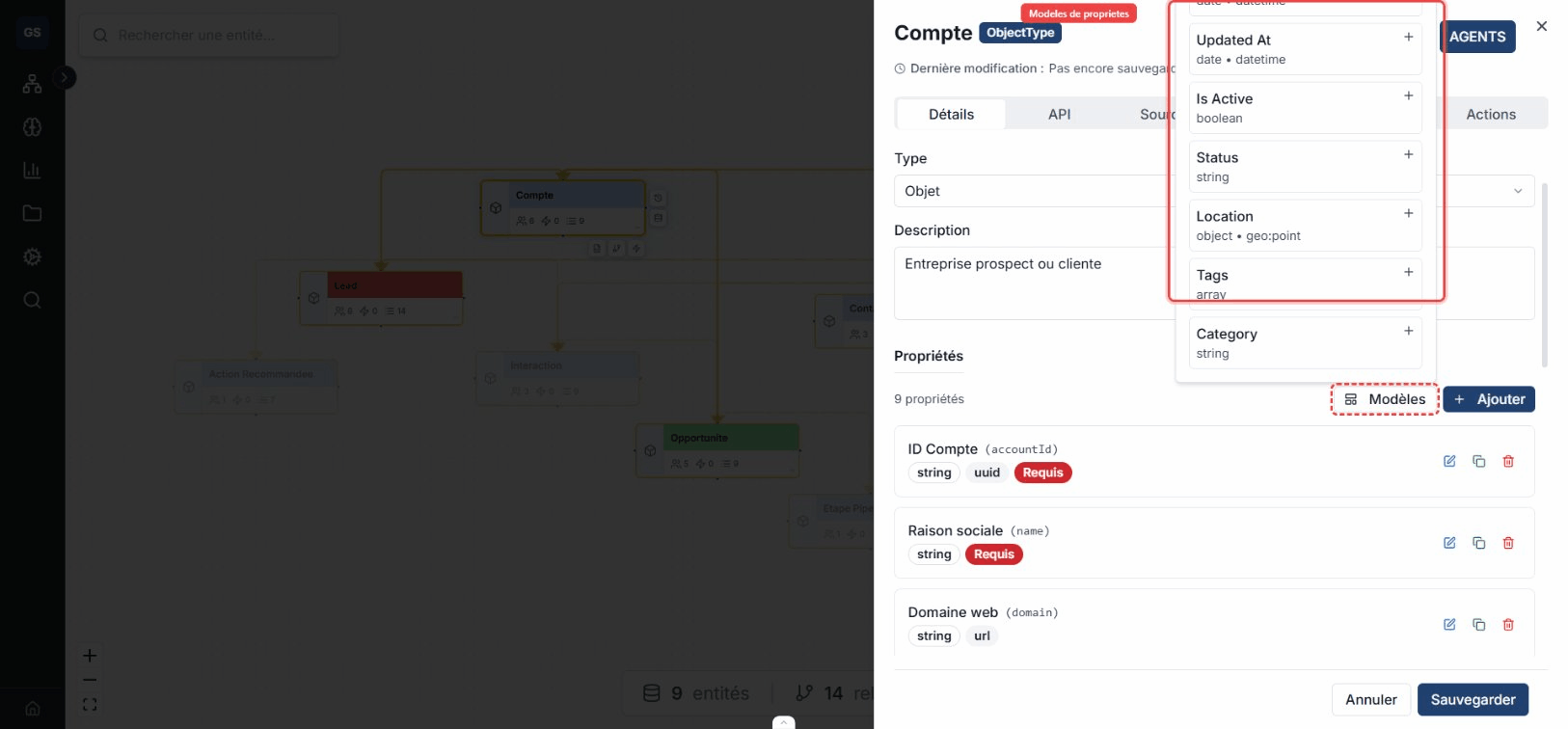
Property templates preconfigure a type and its validations for common formats such as email, phone, price, URL, or location.
Verification
The entity card updates its counter. Reopen Details and check each property's name, type, and constraints.
Common errors
- Do not use free text when a closed list represents a business rule.
- Avoid storing a concept link in a property when a relationship should enforce it.
- Before changing the type of a populated property, verify compatibility with existing data.