
Objective
Express a business connection between two entities and define how many instances can take part in it.
Prerequisites
- Two entities are visible in the same space.
- You can edit the model.
Procedure
- Select the source entity.
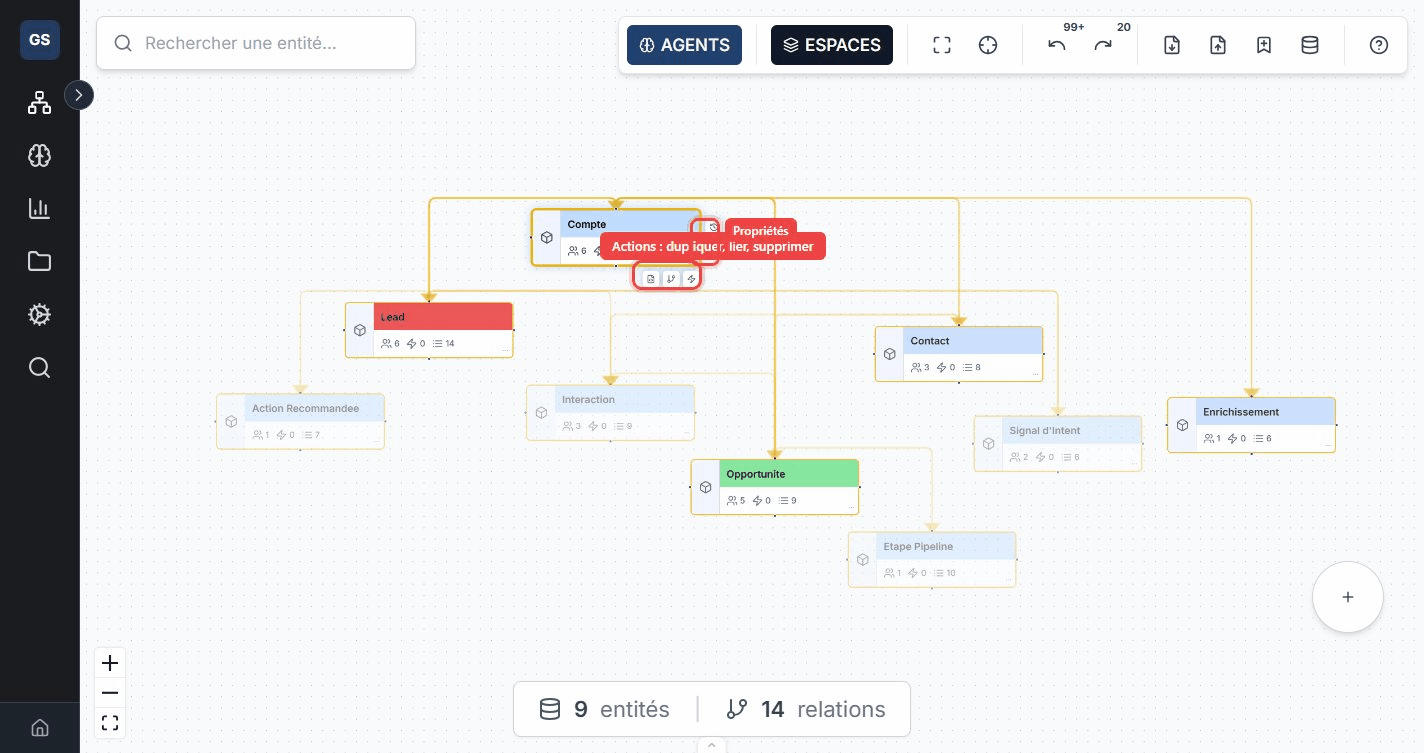
- Choose Relationship from its action bar.
- Select the target entity.
- Name the relationship with an explicit business verb, such as
delivers. - Choose the cardinality, then confirm.
| Cardinality | Contract | Example |
|---|---|---|
| One to one | One source instance corresponds to one target instance. | An Employee owns a Badge. |
| One to many | One source can correspond to several targets. | A Supplier delivers several Products. |
| Many to one | Several sources can correspond to one target. | Several Orders belong to one Customer. |
| Many to many | Several sources and targets can be connected. | Products belong to several Categories. |
Verification
An edge connects both cards. Select an entity and check the direction, name, and cardinality in the Relationships tab.
Common errors
- A cardinality that is too broad permits inconsistent data: start from the actual business rule.
- Opposite relationships with vague names are hard to distinguish: use a precise verb.
- If the target cannot be found, check that both entities belong to the same space.