
Elements and contracts
Navigation
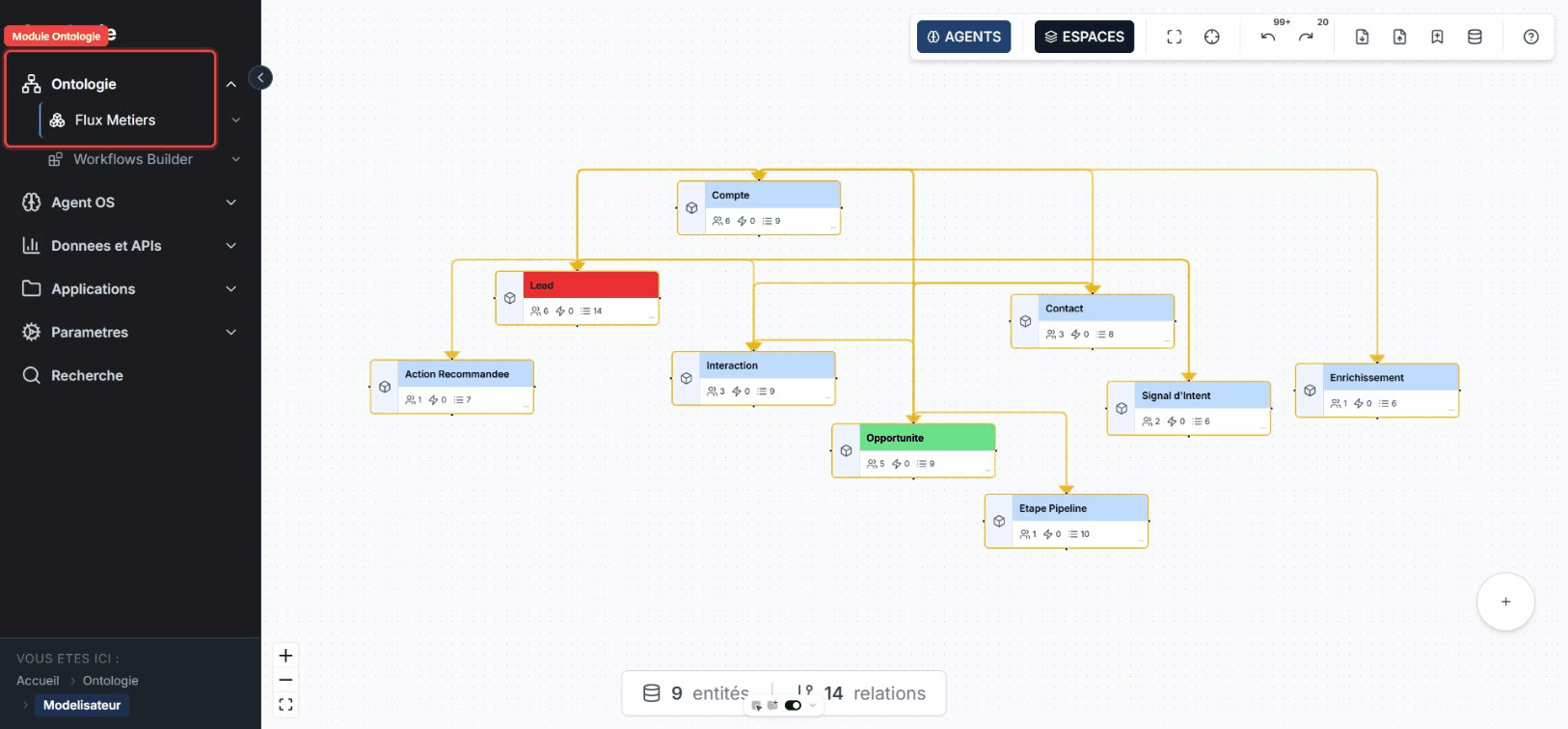
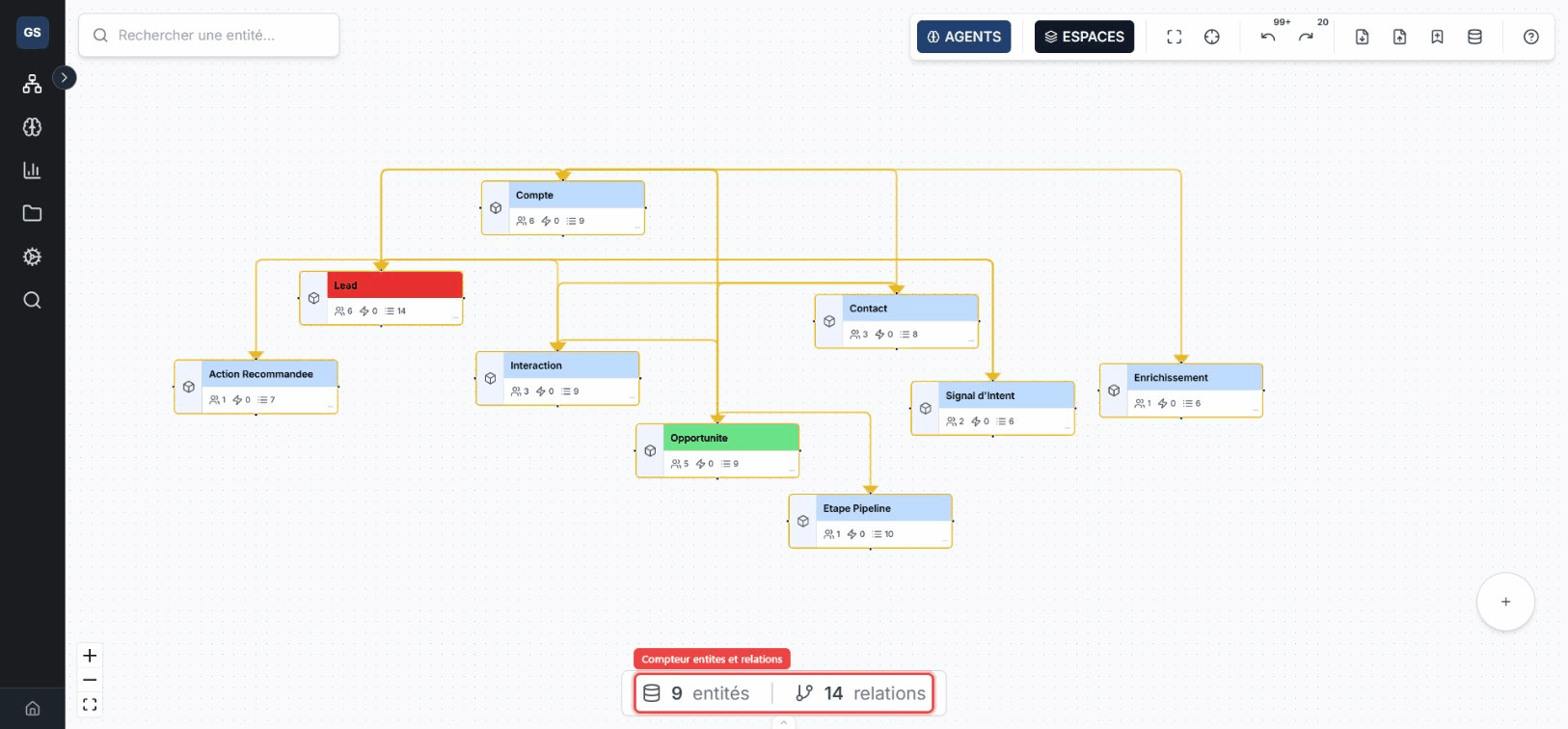
The sidebar opens the Modeler from the Ontologie section.
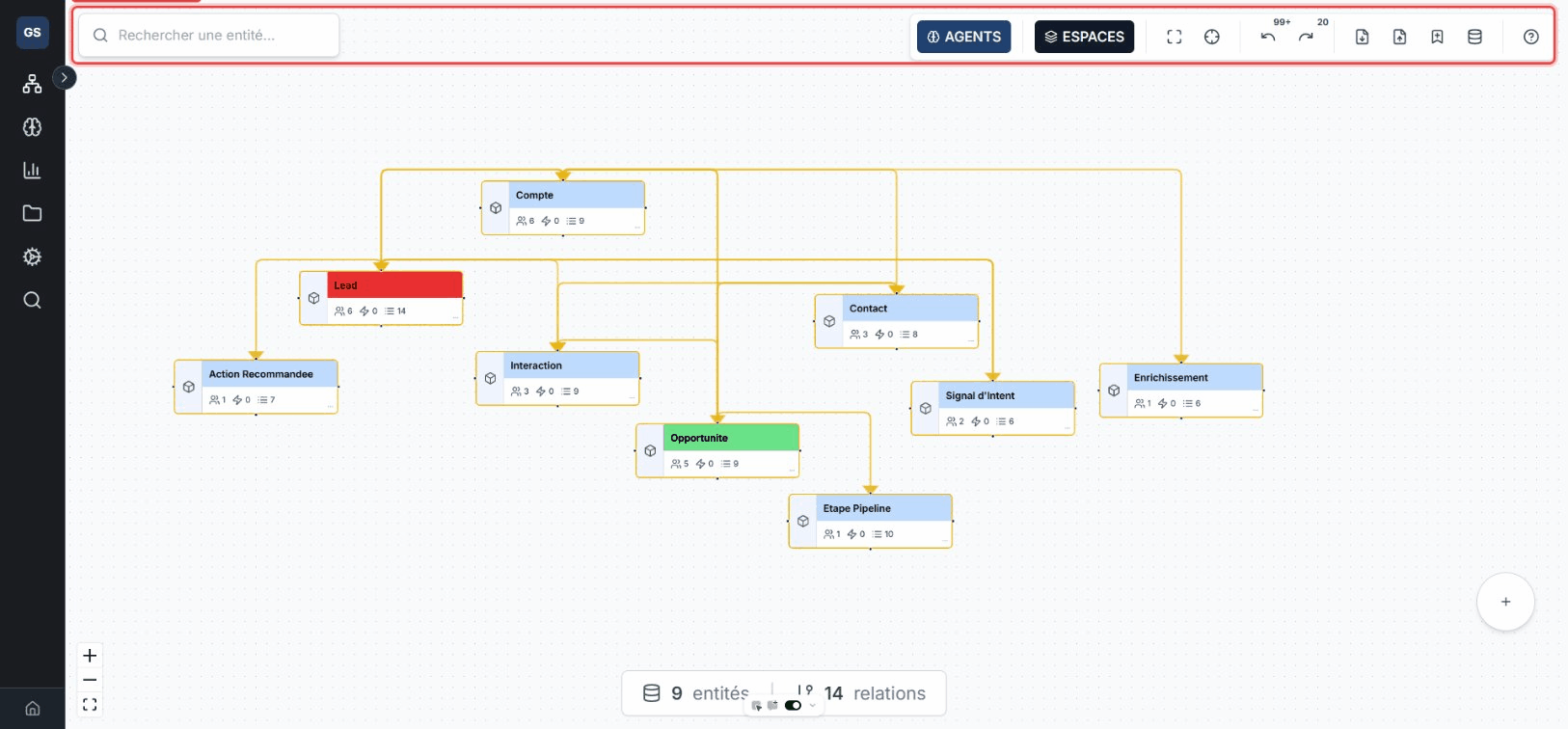
Toolbar
The top toolbar changes spaces, fits the view, imports or exports the model, and provides access to undo history.
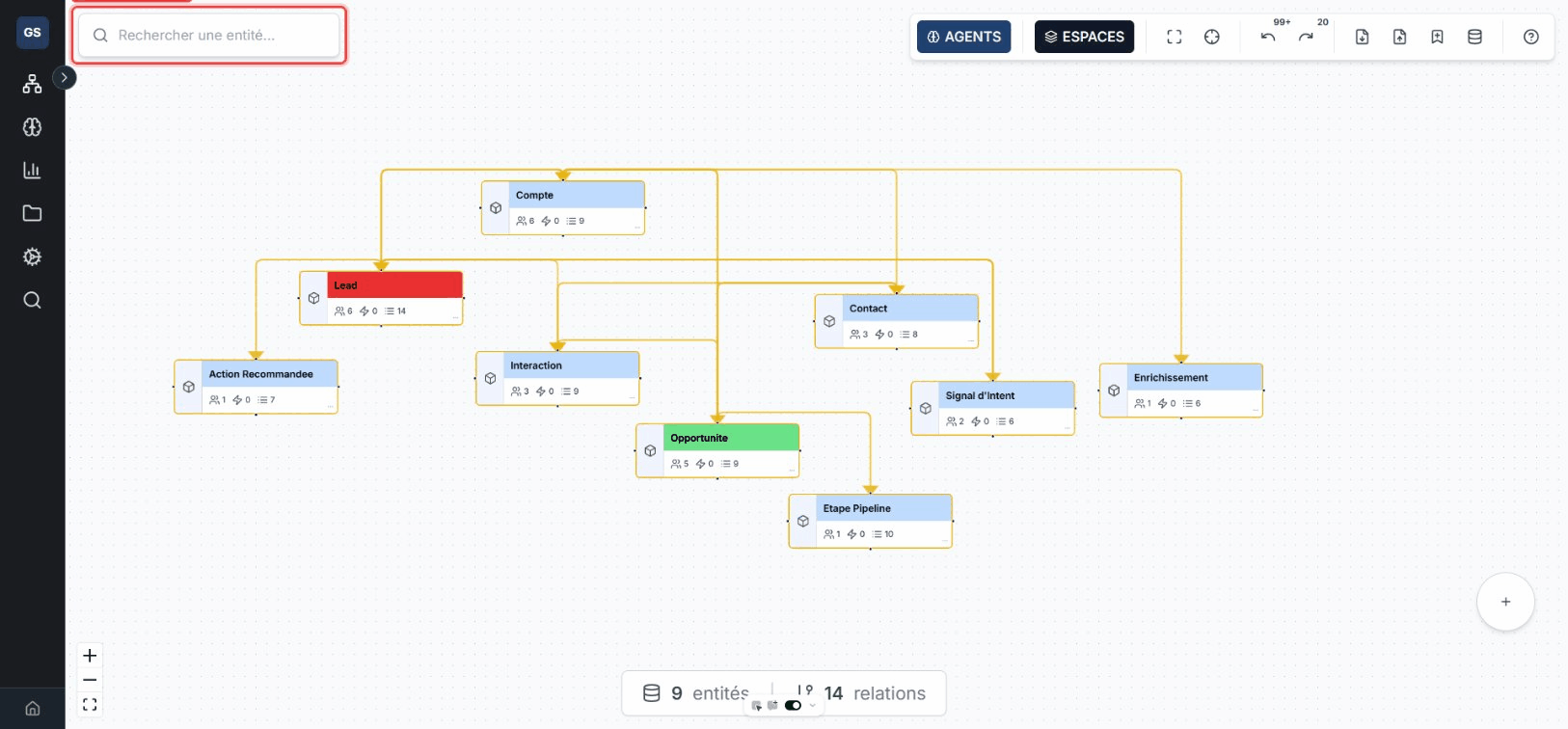
Search
Search finds an entity by name and centers the canvas on the selected result.
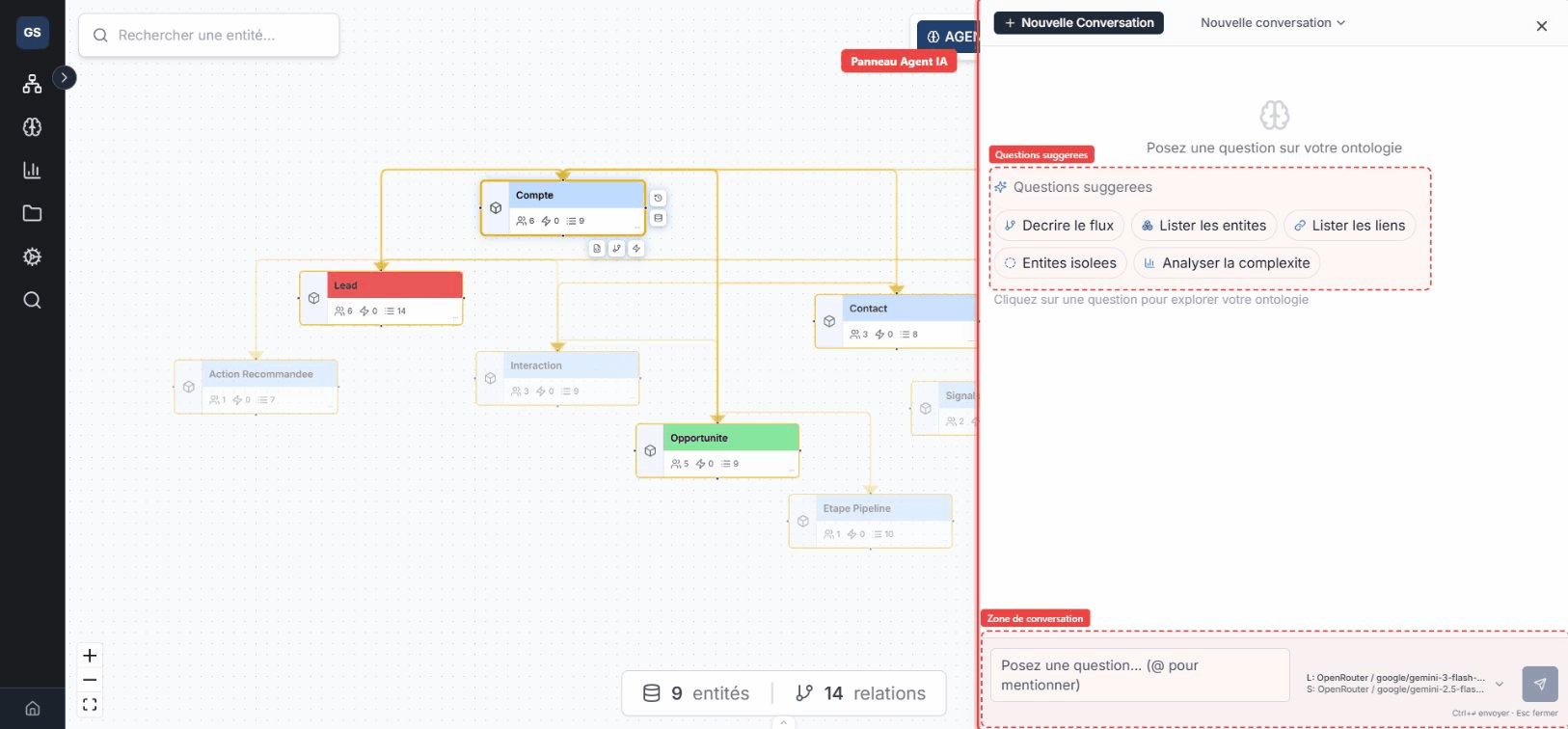
Agents panel
The Agents panel lets you query the model and request suggestions from the canvas. Review any proposed change before applying it.
Status bar
The bottom bar shows the number of entities and relationships in the current space.
Detail panel
Selecting an entity opens its detail panel.
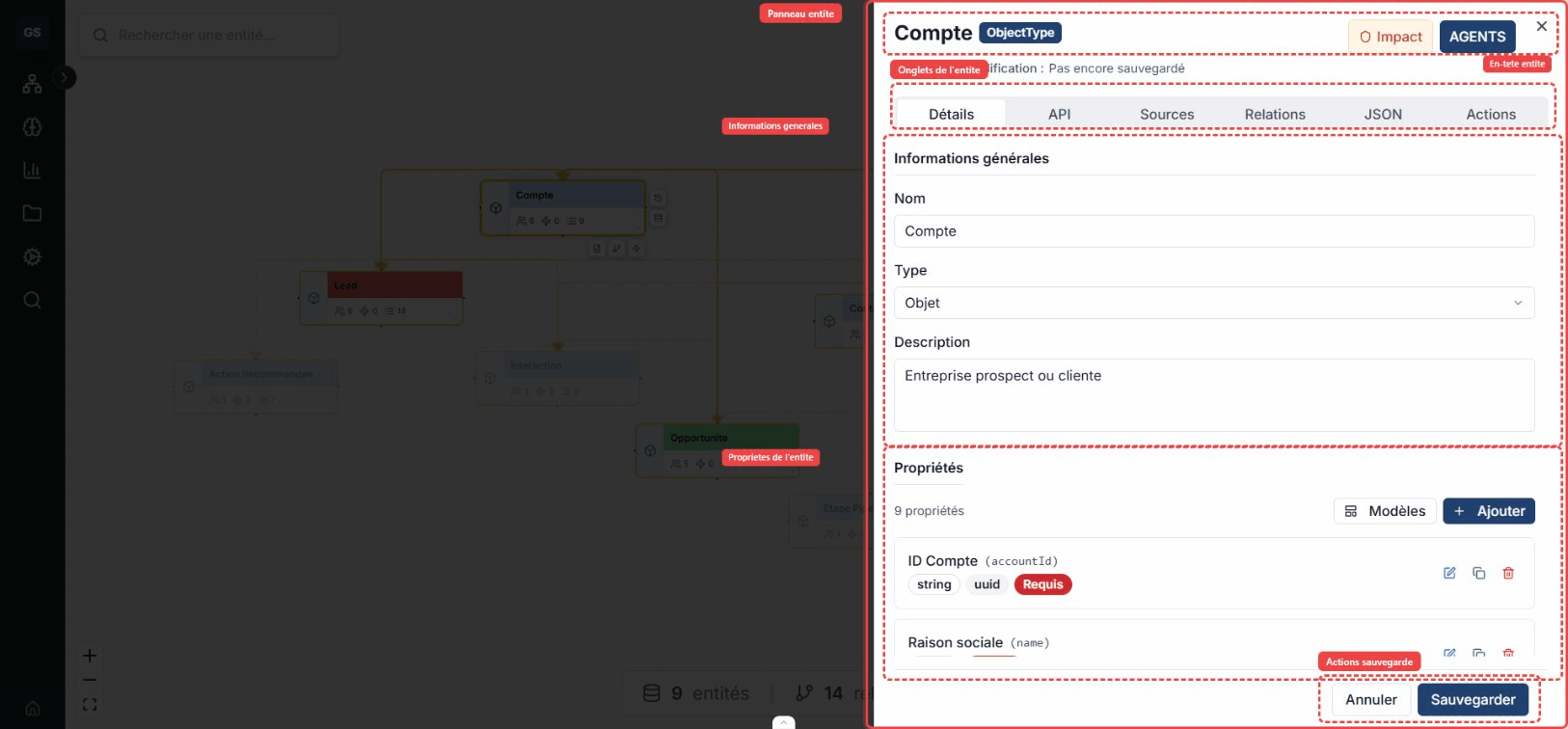
| Tab | Content |
|---|---|
| Details | Name, description, status, groups, properties, and appearance. |
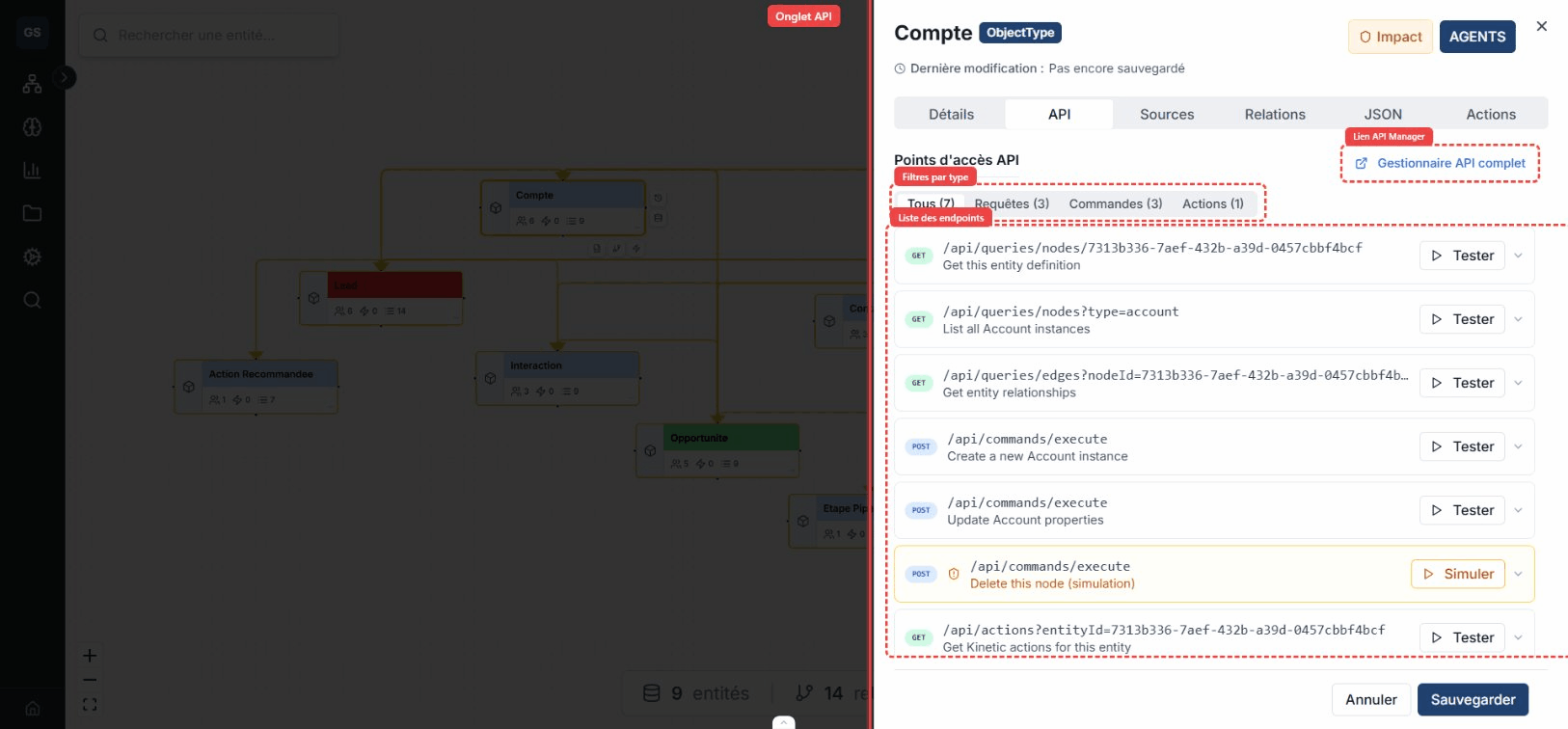
| API | REST contracts exposed for the entity. Use the API reference for published paths. |
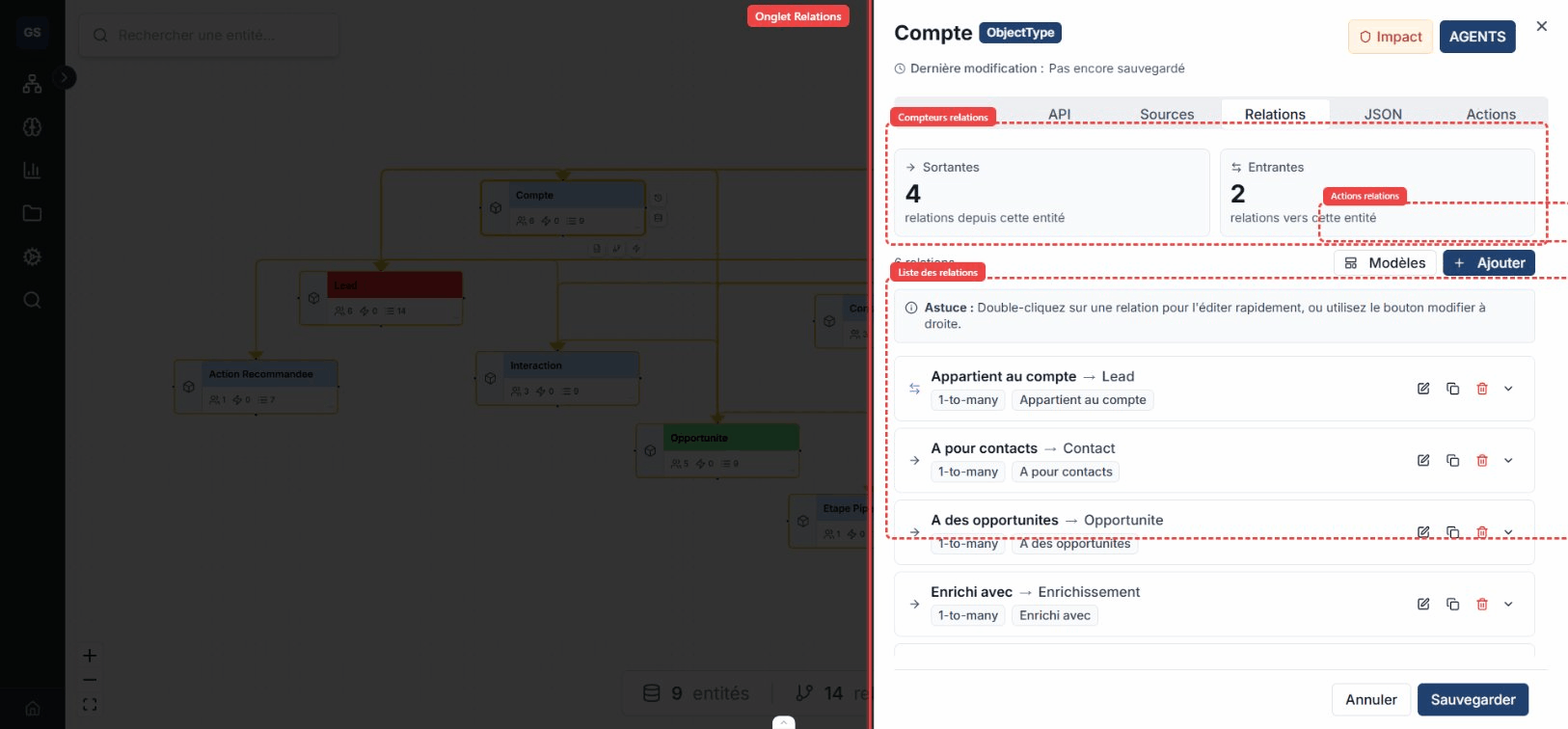
| Relationships | Incoming and outgoing relationships, targets, and cardinalities. |
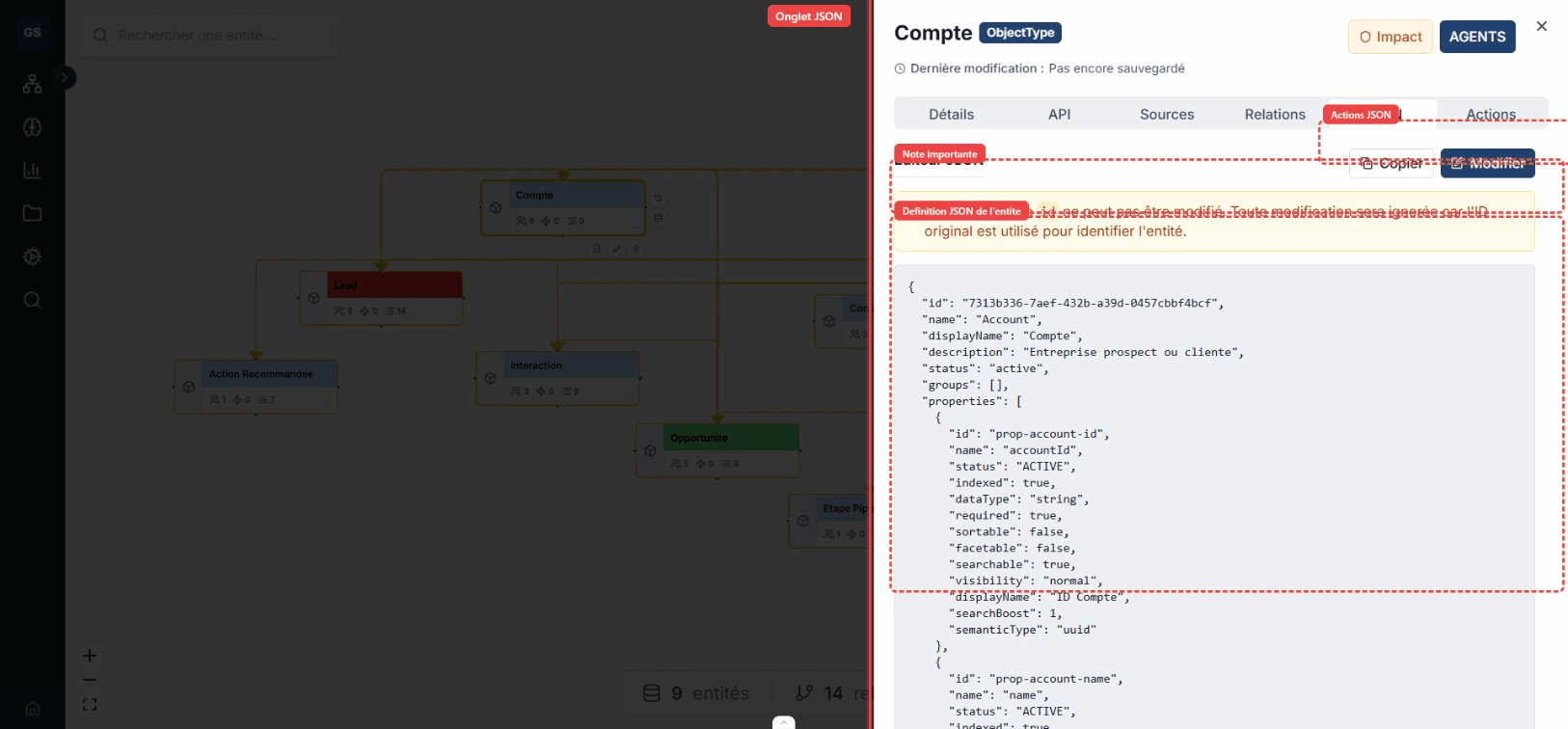
| JSON | Raw schema representation. |
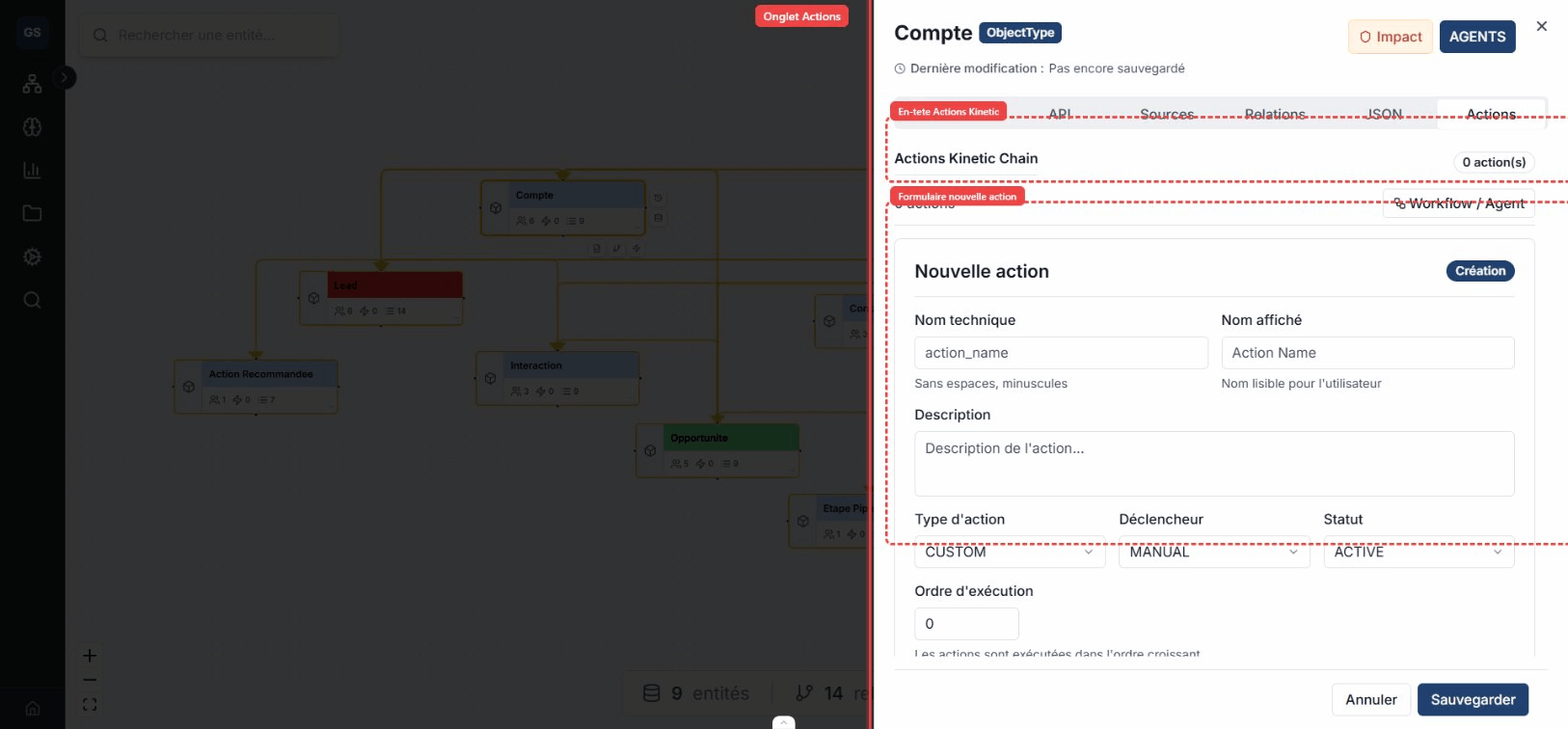
| Actions | Actions attached to the entity and their triggers. |
Limits
- A very dense space becomes difficult to read; divide large domains with spaces.
- Changes are saved automatically, but undo history is not a business versioning system.
- The JSON view exposes the technical contract: do not edit it without assessing the effect on data and integrations.